If you’re asking what is a transparent png, here’s the short answer. It’s a PNG file where parts are see-through, thanks to an alpha channel or transparency data, so your graphic sits on any background.
This page sits inside the wider guide to the png file format, so start there if you want the full picture.
| Item | Value |
|---|---|
| Alpha channel in PNG | Optional |
| Image types in the specification | Indexed-color, grayscale, truecolor |
| Sample depth range | 1 to 16 bits |
| Truecolor maximum | Up to 48 bits per pixel |
| Indexed-color maximum | Up to 256 colors |
| Compression type | Lossless |
These figures come from the PNG specification published as an RFC and the revised PNG specification. Specifications can be revised, so check the source before you rely on them.
Transparency in plain terms
A transparent PNG is an image file in which some pixels let the background show through. The PNG specification says portions of the image can be marked as transparent, which creates the effect of a non-rectangular image.
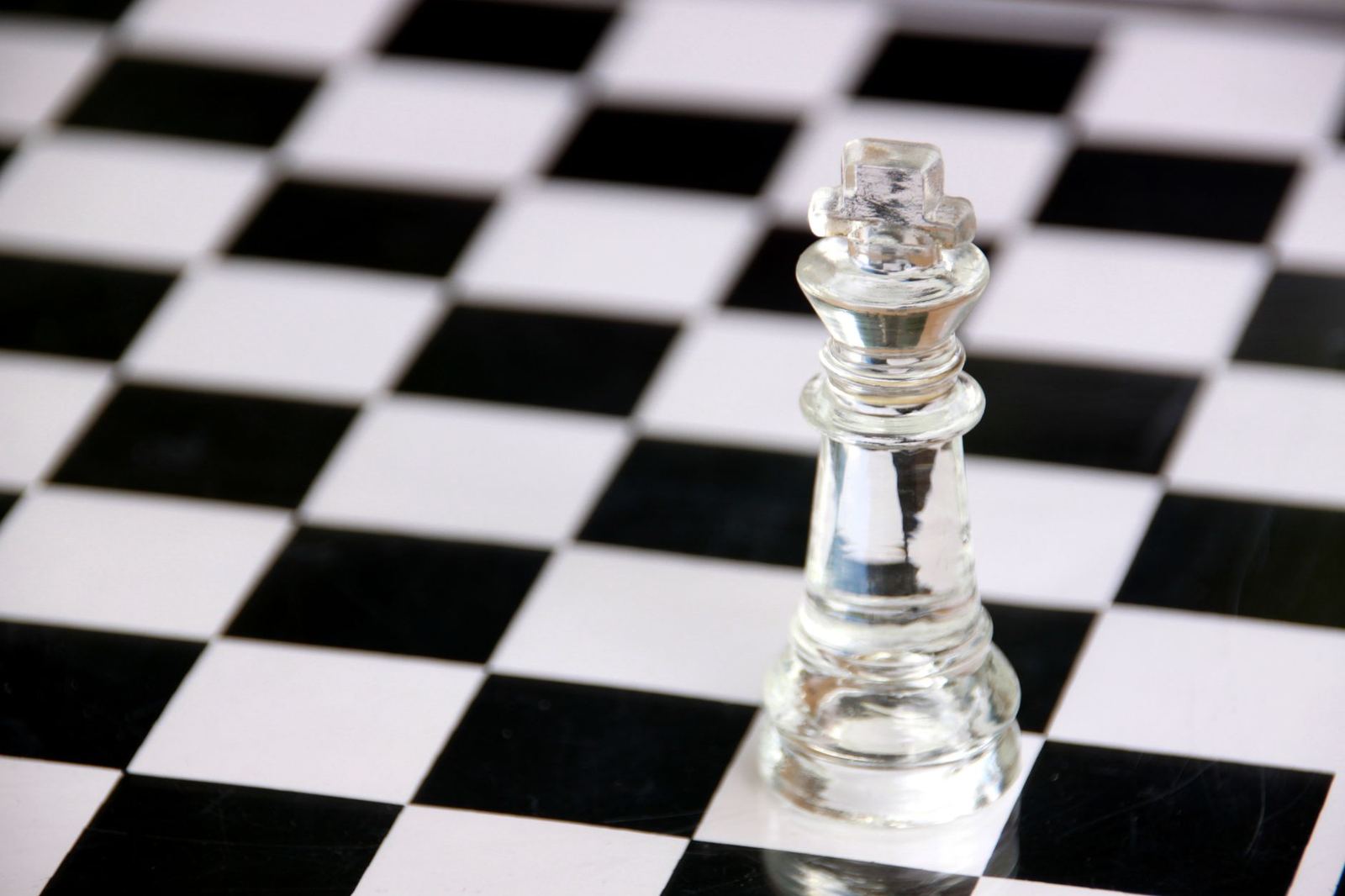
Picture a round logo. The file is still a rectangle of pixels, but the pixels outside the circle are marked so that the page, slide or design behind them shows instead of a white box.
How the alpha channel works
The most flexible method is the alpha channel. The PNG specification lists a full alpha channel, described as general transparency masks, among the new features that GIF does not have.
An alpha channel works like a mask laid over the picture. Next to each pixel’s color, the file stores a separate value that says how see-through that pixel is. Because the mask is general, a pixel does not have to be fully solid or fully clear.
That is what makes these effects possible:
- Soft, feathered edges around a cut-out photo.
- Drop shadows that fade into whatever sits behind them.
- Logos and icons with curved or irregular outlines.
The channel is not compulsory. The RFC says PNG supports indexed-color, grayscale and truecolor images, plus an optional alpha channel, so a file with no see-through areas can simply leave it out.
Which kinds of PNG can be transparent?
PNG stores images in a few modes, and the specification lists them together with the optional alpha channel. In plain terms, you will meet three.
- Indexed-color: a limited palette, with images of up to 256 colors.
- Grayscale: shades of gray only.
- Truecolor: full-color images of up to 48 bits per pixel.
The revised specification gives the 256-color and 48-bit limits. The RFC adds that sample depths range from 1 to 16 bits.
If you want to see how the lower and higher color modes differ in practice, a side-by-side look at png-8 vs png-24 is a good next step.
How PNG transparency compares with GIF
PNG was built as a patent-free replacement for GIF, according to the RFC. It also says PNG can take over many common uses of TIFF.
Transparency is one of the GIF features PNG kept, as the specification notes. The palette-style indexed-color mode came across too. What PNG added was the full alpha channel.
For you, the practical difference is the edge. A graphic with hard, all-or-nothing transparency can work in either format, while soft edges and shadows are what the alpha channel is for.
Does transparency affect quality or file size?
Quality first. The RFC describes PNG as an extensible format for the lossless, portable, well-compressed storage of raster images, so saving a PNG does not throw away pixel detail the way lossy formats do. You can read that wording in the RFC abstract.
Size is a separate question, and it depends on the image itself. Our explainer on why are png files so large covers what drives it.
Checking a transparent PNG before you use it
A transparent area can look white in a viewer that paints its own background. A quick test saves you from surprises later.
- Place the file over a dark background, then over a light one.
- Zoom in on the edges and look for fringes or hard steps.
- Keep your original editable file, so you can re-export if the edges look wrong.
This site is independent and has no affiliation with any software vendor, format body or tool maker.
Frequently asked questions
Is a transparent PNG the same as a PNG with an alpha channel?
Show answer
Not always. An alpha channel is one way to get transparency, and it gives you partial see-through pixels. Marking portions of an image as transparent is the older, GIF-style idea.
Can a GIF be transparent too?
Show answer
Yes. The specification lists transparency among the GIF features that PNG retained. What a GIF lacks is the full alpha channel.
Will saving with transparency lose detail?
Show answer
No, PNG compression is lossless, so the detail you save is the detail you get back. Any softness at the edges comes from how the image was cut out, not from the format.
Does every PNG have transparency?
Show answer
No. Because the alpha channel is optional, plenty of PNG files are fully opaque and carry no see-through areas at all.