Stuck on png-8 vs png-24? Use PNG-8 for flat graphics with few colors, and PNG-24 for photos, gradients and soft edges. It is a trade between color range and file size, and you can test both quickly.
This guide sits inside our wider coverage of the png file format, so start there if you want the basics first.
| Item | Value |
|---|---|
| Specification | RFC 2083, March 1997 |
| Compression | Lossless |
| Color types | Indexed-color, grayscale, truecolor |
| Alpha channel | Optional |
| Sample depth | 1 to 16 bits |
| Relationship to GIF | Patent-free replacement |
These figures come from the RFC 2083 PNG specification, dated March 1997. Figures can change, so check the source before you rely on them.
What do PNG-8 and PNG-24 mean?
The names are common shorthand among designers, and the specification does not use them. The RFC 2083 abstract instead describes indexed-color, grayscale and truecolor images, plus an optional alpha channel.
In everyday use the two labels map onto those color types:
- PNG-8 usually means an indexed-color image, where each pixel points to an entry in a small palette.
- PNG-24 usually means a truecolor image, where each pixel stores its own color values.
- Both are saved without losing data once the pixels are set.
The same RFC says sample depths range from 1 to 16 bits. So PNG is a family of modes, and the two labels are only the most popular points on that scale.
Color depth: palette versus full color
An indexed image keeps a short list of colors and lets every pixel refer to that list. That works well for logos, icons, diagrams and flat screenshots, where the same few colors repeat across large areas.
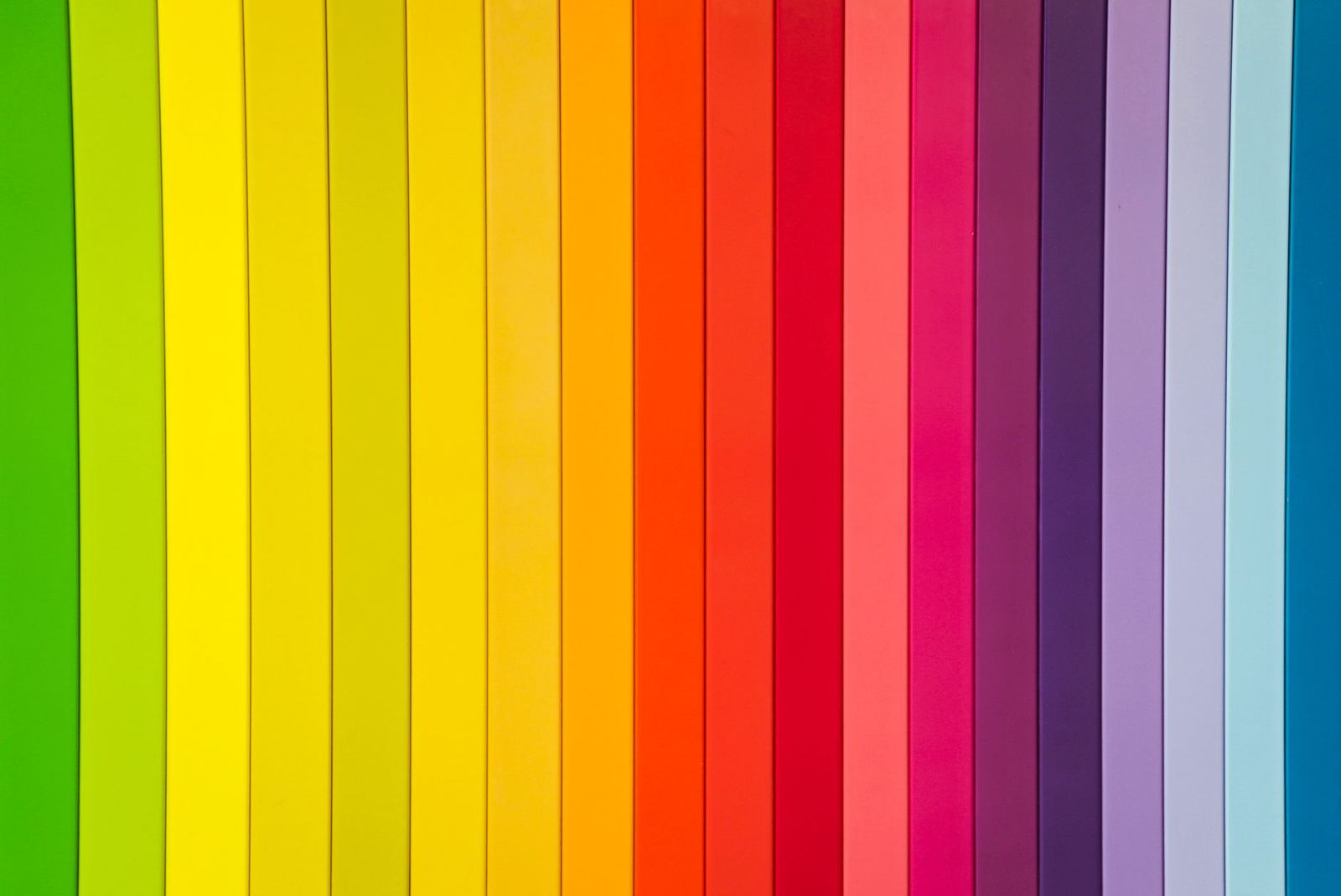
A truecolor image has no list to run out of. Each pixel can take its own color, which suits photographs, soft shadows, gradients and anything with subtle tonal changes.
The weak spot of the indexed approach is the gradient. When a smooth blend must be squeezed into a small palette, you may see banding (visible steps of color) or a speckled dithering pattern.
File size: why the two differ
An indexed pixel needs less information than a truecolor pixel, because it only stores a position in the palette. For flat artwork this often leads to a smaller file, though the result depends on the image, so measure instead of assuming.
The reduction to a palette is where quality can be lost. The PNG container itself is lossless, but your editor has to throw away colors before it can build the palette, and that step is not reversible.
A simple test tells you more than any rule of thumb:
- Keep an untouched truecolor master of the image.
- Export one copy as indexed-color and one as truecolor.
- Compare the file sizes in your file manager.
- Zoom in on gradients, edges and text to look for banding or fringes.
- Keep the smaller file only if you cannot see a difference.
Transparency in PNG-8 and PNG-24
The specification lists an optional alpha channel as part of the format, and it is what allows partial transparency. A truecolor image with alpha can hold soft, semi-see-through edges, such as a drop shadow that fades into any background.
Indexed images are more limited in practice. They are better suited to hard-edged cutouts, where a pixel is either shown or hidden, and a soft edge can leave a light or dark halo on a different background.
If you want the full picture of how this works, our explainer on what is a transparent png walks through it step by step.
Which one should you choose?
Start from the content of the image, not from the label. The rules below cover most cases:
- Choose PNG-8 for flat logos, simple icons, charts and interface graphics with a limited set of colors.
- Choose PNG-24 for photos, gradients, soft shadows and images that need smooth transparency.
- Choose PNG-24 whenever you plan to edit the file again, since it avoids a second round of color reduction.
The indexed mode is also the closest relative of GIF, which the RFC 2083 text from March 1997 describes PNG as a patent-free replacement for. For a closer look at that older format, read our guide to png vs gif.
Frequently asked questions
Is PNG-24 lossless?
Show answer
PNG as a format stores raster images without discarding data, according to the RFC 2083 abstract. Any quality loss happens earlier, when an editor reduces colors or resizes the picture.
Can PNG-8 replace GIF?
Show answer
For still images, largely yes, since the RFC 2083 specification positions PNG as a patent-free GIF alternative. That text dates from March 1997, so look at newer documents if you need animation details.
Does PNG-24 support transparency?
Show answer
Yes, when it carries an alpha channel, which the specification treats as optional. Without that channel, a truecolor image is fully opaque.
Should I convert my photos to PNG-8 to save space?
Show answer
Usually not. A photo has far more tonal variety than a small palette can hold, so you risk banding. Test an export and judge it by eye before you replace the original.